After ordering, your server is automatically provisioned and ready within seconds. Log into NexusPanel, navigate to your server, hit Start, and share your IP with your friends. No command line needed.

Why choose us
Built for Gamers

Instant Deployment
Your server is live in seconds with no technical setup required. Pick your game, choose your plan, and play.

20+ Supported Games
From survival sandboxes to competitive shooters, we support the games your community wants to play.

DDoS Protection
Every server includes network-level DDoS mitigation so your community stays online no matter what.

Powered by NexusPanel
Manage every aspect of your server from our modern, purpose-built control panel with full SFTP and console access.
Game Control Panel
Powered by NexusPanel
Take full control of your game server with NexusPanel — a modern, unified dashboard designed to manage any game we support. Access the console, manage files, configure databases, set up backups, and more, all without touching a command line.
Try the Demo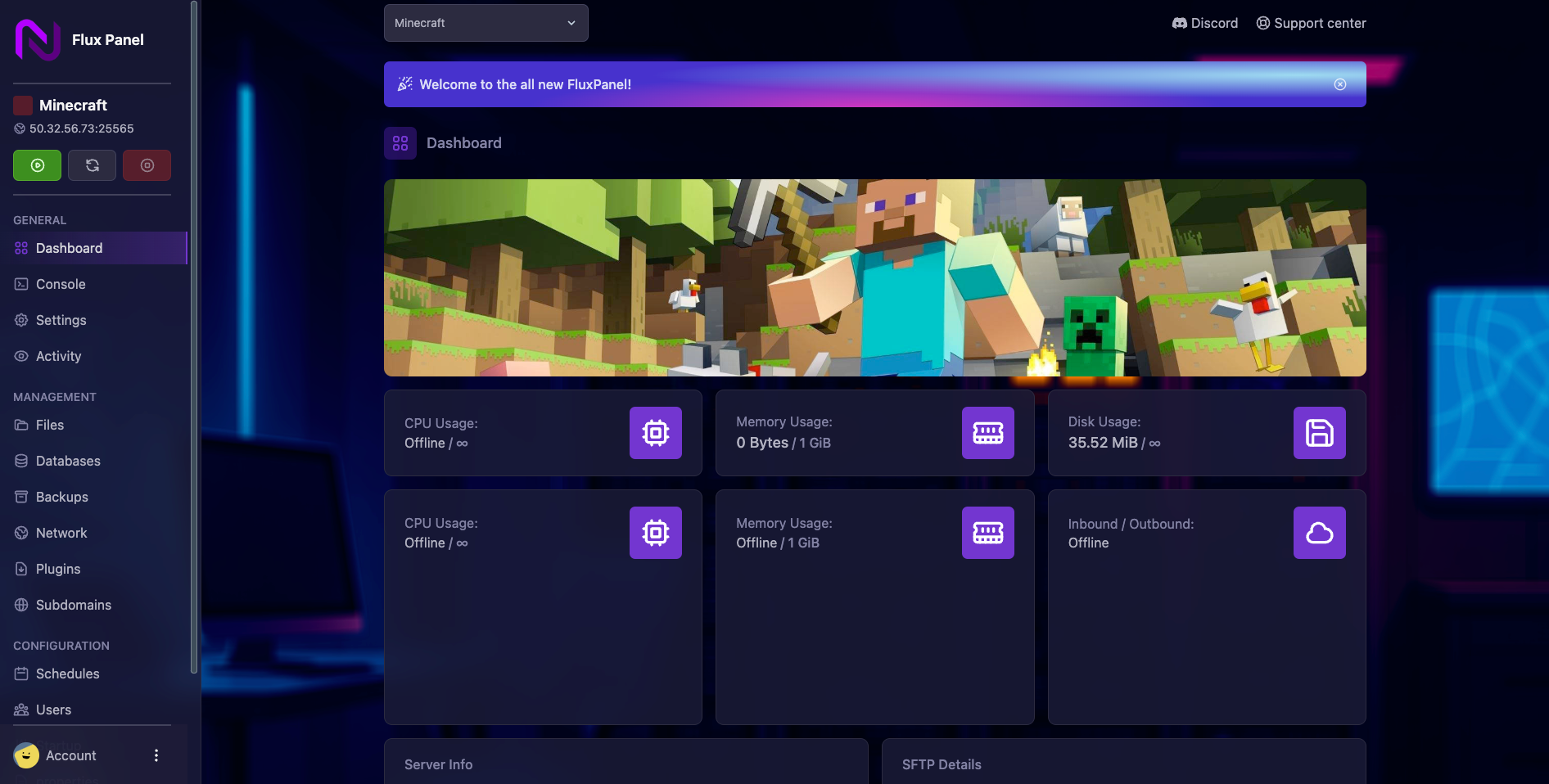
Most complete
Game Collection
Popular
 Popular
 Popular
 NEW!
NEW!
 Popular
 Popular
 Popular
 Popular

 Popular
 Popular
 Popular
 Popular
 Popular
 NEW!
NEW!
 NEW!
NEW!
 Popular
 NEW!
NEW!
 Mod
Mod
 Mod
Mod
 Mod
Mod
 Coming Soon

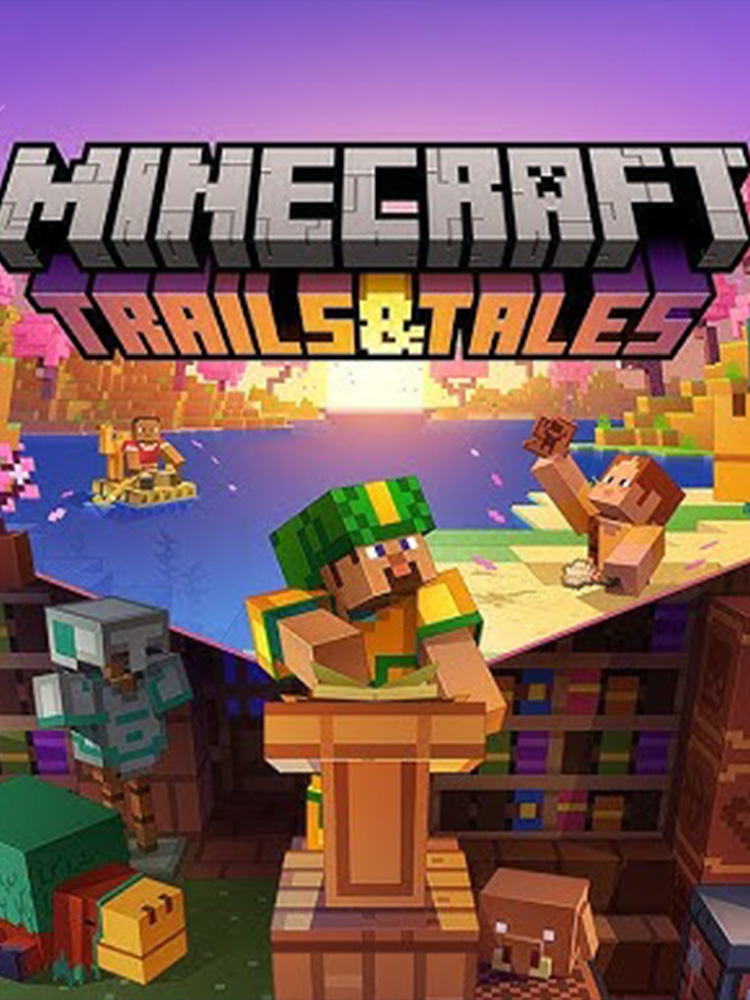
Minecraft: Java
Starting at $1/GB
Minecraft: Bedrock
Starting at $1.25/GB
Palworld
Starting at $9.99/Mo.
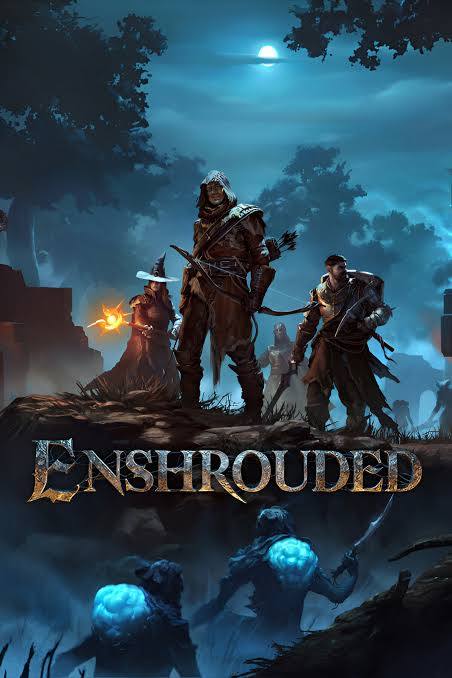
Enshrouded
Starting at $8.99/Mo.
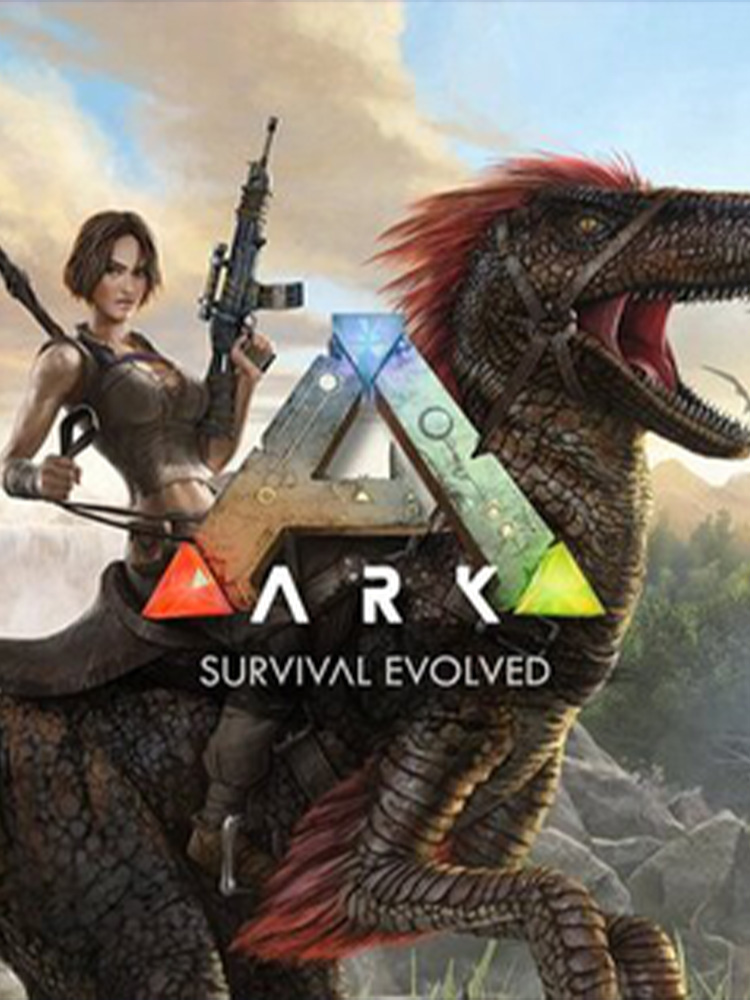
Ark: Survival Evolved
Starting at $14.99/Mo.
Rust
Starting at $14.99/Mo.
Team Fortress 2
Starting at $4.99/Mo.
Valheim
Starting at $8.99/Mo.
Satisfactory
Starting at $14.99/Mo.
Terraria
Starting at $4.99/Mo.
Stardew Valley
Starting at $4.99/Mo.
Counter-Strike 2
Starting at $4.99/Mo.
GTA V: FiveM
Starting at $14.99/Mo.
7 Days to Die
Starting at $1.99/GB
Conan Exiles
Starting at $2.99/GB
Vintage Story
Starting at $4.99/Mo.
Sunkenland
Starting at $8.99/Mo.
Garry's Mod
Starting at $4.99/Mo.
Raft
Starting at $6.99/Mo.
Subnautica Nitrox
Starting at $8.99/Mo.
Skyrim Together Mod
Starting at $6.99/Mo.
RimWorld Together Mod
Starting at $6.99/Mo.
Hytale
Starting at $1/GB
No games match your search.
Do you have
Any questions?
How do I get my game server online?
Which plan should I pick for my game?
It depends on your expected player count, the game's resource demands, and whether you plan to run mods. As a rule of thumb: more players and heavier mod packs need more RAM and CPU. Check our knowledgebase for per-game recommendations, or ask in Discord.
Can I install mods, plugins, and custom configs?
Yes — full mod support is a core part of what we offer. Upload mod files directly through NexusPanel's built-in file manager or via SFTP. You can also edit server config files, change startup parameters, and install mod loaders like Forge, Fabric, or Oxide where supported.
Can I migrate an existing server to Nexus?
Absolutely. Download your world save and config files from your current host, then upload them to your new Nexus server via SFTP or NexusPanel's file manager. Your world, progress, and settings transfer over completely. Our knowledgebase has step-by-step migration guides for the most popular games.
Do you support all game versions and modpacks?
We support multiple versions for most games, including legacy releases. For Minecraft, you can run Vanilla, Spigot, Paper, Forge, Fabric, and popular modpacks. For other games, NexusPanel lets you choose your server version at setup or swap it later from the panel.
What happens if my server crashes or goes down?
NexusPanel includes automatic restart on crash, so most outages recover themselves without any action from you. If the issue persists, you can view the live console log to diagnose the problem, or reach out to our support team via Discord.
Can I use a custom domain or subdomain for my server?
Yes. You can point a custom domain or subdomain at your server IP using a DNS SRV or A record with your domain registrar. This lets your players connect with something like play.yourserver.com instead of a raw IP address.
What DDoS protection is included?
Every game server includes always-on, network-level DDoS mitigation at no extra cost. Attacks are filtered upstream before they reach your server, keeping your community online even under sustained attack. Protection capacity scales with your plan tier.
Are backups included?
NexusPanel includes a built-in backup system that lets you create, schedule, and restore server snapshots at any time. We recommend scheduling regular automatic backups — especially before applying mod updates or making major config changes.
How do I get support if something goes wrong?
Join our Discord for fast community help and direct support tickets. Our knowledgebase covers setup guides, crash troubleshooting, mod configuration, and migration tutorials for every game we support.
Still have questions? Our knowledgebase has detailed guides for every game we support.
Browse the KnowledgebasePayment Methods
We accept